
Delete a collab
Last modified by hbpadmin on 2023/05/15 21:18
Delete a collab
Requirements :
- You must be admin of this collab
How to :
- Go to the main page of your collab
- Click on the 3 dots in the right upper corner, just next to create button
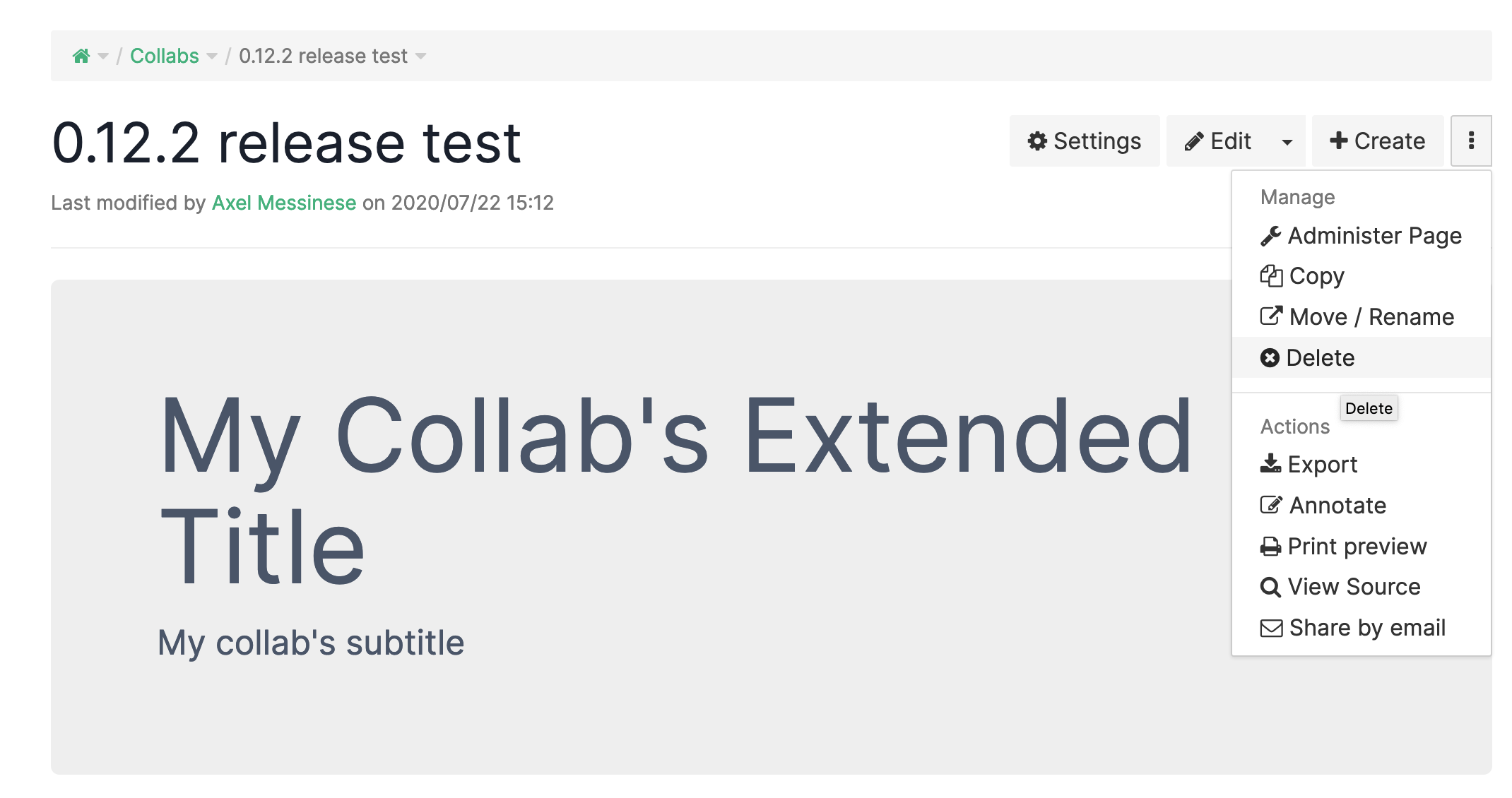
- Click Delete
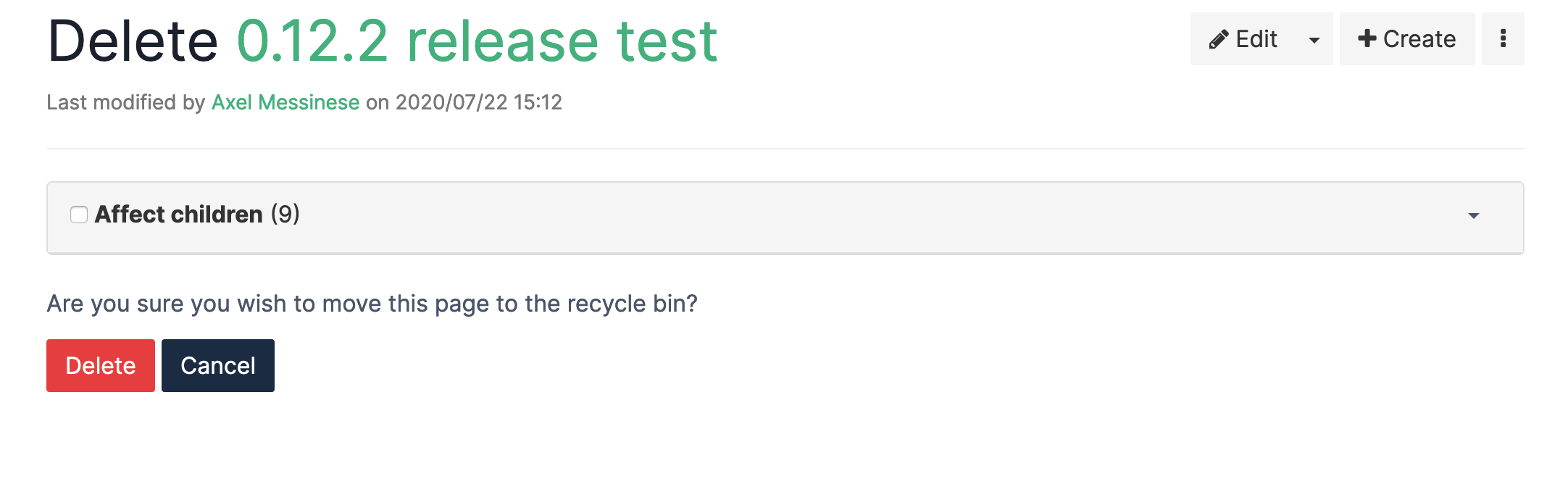
- You can click on affect children but it won't change anything, all the collab and subpages will be delete, the team will be delete too
How to restore a collab deleting by mistake :
- The only way is to contact the support
- We can retrieve the content of your collab but not the team
- You will have to reassign every users, groups or units in the team.